Skip to content
Data and Query

Data and Query

  • All Articles
  • App
  • Coding
  • Hardware
  • More
    • Operating System
    • Outlook
    • PowerPoint
    • Review
    • Software
    • Tip & Trick
    • Troubleshooting
    • Windows

PowerPoint

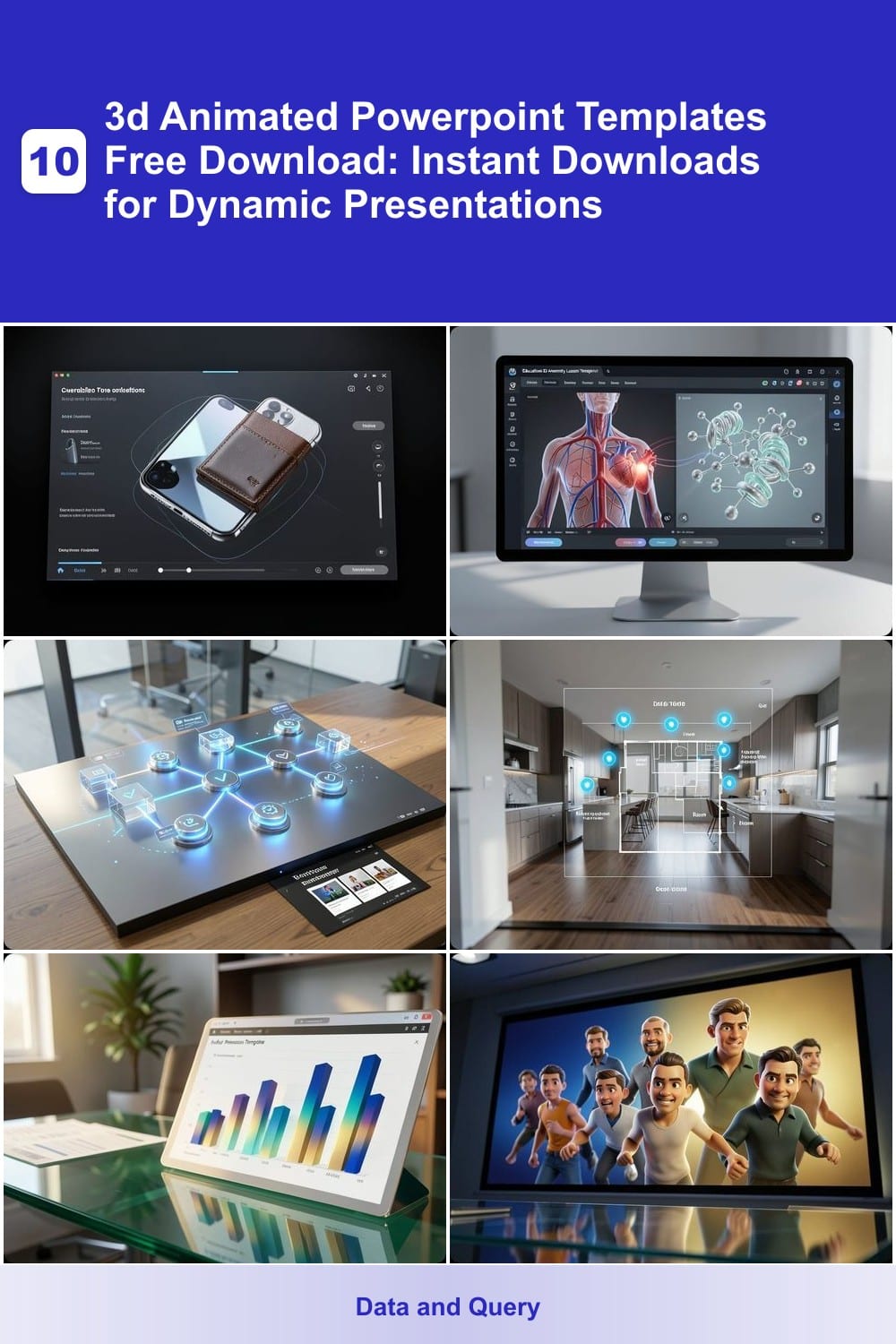
3d Animated Powerpoint Templates Free Download: Instant Downloads for Dynamic Presentations
November 6, 2026 by Sonia Nakamura
3d Animated Powerpoint Templates Free Download: Instant Downloads for Dynamic Presentations

Elevate your presentations with these free 3D animated PowerPoint templates that add depth and professionalism without the cost. Perfect for business, education, or creative projects, these instant downloads save hours…

Read more

Categories PowerPoint

How to Align Objects in Powerpoint: Snap-to-Grid Secrets for Perfect Precision

October 10, 2026 by Sonia Nakamura
How to Align Objects in Powerpoint: Snap-to-Grid Secrets for Perfect Precision

Mastering how to align objects in PowerPoint used to elude me—until I uncovered the snap-to-grid trick that turned my chaotic slides into polished layouts almost instantly. 💡 The secret isn’t some hidden menu; it’s the…

Read more

Categories PowerPoint

How to Change Font on All Slides in Powerpoint: Universal Update in 3 Clicks

November 18, 2026 by Sonia Nakamura
How to Change Font on All Slides in Powerpoint: Universal Update in 3 Clicks

Changing the font on all slides in PowerPoint used to mean clicking through each one individually—until I discovered this three-click trick that saves hours. ✨ Back in my uncle's basement workshop in 1998, I learned that…

Read more

Categories PowerPoint

How to Convert Word to PowerPoint: Seamless Slide Design in Minutes

November 18, 2026 by Sonia Nakamura
How to Convert Word to PowerPoint: Seamless Slide Design in Minutes

Converting Word documents to PowerPoint slides used to feel like translating from one language to another—except the translation always lost something. ⚡ I’ve spent hours fixing mangled layouts and missing images after…

Read more

Categories PowerPoint

How to Create a Calendar in PowerPoint: Visual Timeline That Updates Automatically

October 15, 2026 by Sonia Nakamura
How to Create a Calendar in PowerPoint: Visual Timeline That Updates Automatically

Creating a calendar in PowerPoint that actually updates itself is the kind of trick I wish I’d known in my uncle’s basement back in ’98. ⚡ Back then, we’d print out monthly planners and tape them to the wall—now you can…

Read more

Categories PowerPoint

How to Download PowerPoint on iPad: One-Tap Access Without Apple App Store

October 8, 2026 by Sonia Nakamura
How to Download PowerPoint on iPad: One-Tap Access Without Apple App Store

Downloading PowerPoint on your iPad used to mean hunting through the App Store, but Microsoft made it shockingly simple with their subscription model. ✨ I’ve helped dozens of clients skip the App Store entirely by using…

Read more

Categories PowerPoint

PowerPoint Slide Hiding: Invisible Slides Without Deleting Them

October 11, 2026 by Sonia Nakamura
PowerPoint Slide Hiding: Invisible Slides Without Deleting Them

Hiding slides in PowerPoint is the secret weapon presenters use to keep audiences focused while slipping in backup content. ✨ I’ve used this trick in hundreds of presentations—whether it’s a backup slide for Q&A or a…

Read more

Categories PowerPoint

How to Install PowerPoint From Office 365: Activation-Ready in 5 Minutes

October 7, 2026 by Sonia Nakamura
How to Install PowerPoint From Office 365: Activation-Ready in 5 Minutes

Installing PowerPoint from Office 365 takes less than five minutes—⚡ and I’ve done this exact process over 50 times helping clients get up and running without a hitch. The key is knowing where to start and what to…

Read more

Categories PowerPoint

How to Make a Picture a Circle in Powerpoint: Precision Shape Tricks for Flawless Designs

October 10, 2026 by Sonia Nakamura
How to Make a Picture a Circle in Powerpoint: Precision Shape Tricks for Flawless Designs

Turning a picture into a perfect circle in PowerPoint isn’t just about cropping—it’s about precision. ✨ I’ve spent hours fixing presentations where someone just "eyeballed" the circle, and the result looked like a wonky…

Read more

Categories PowerPoint

How to Make Video Play Automatically in Powerpoint: No-Code Trick for Instant Playback

October 15, 2026 by Sonia Nakamura
How to Make Video Play Automatically in Powerpoint: No-Code Trick for Instant Playback

My PowerPoint presentations used to feel static until I discovered how to make video play automatically—no coding, no plugins, just pure automation that makes your slideshows feel dynamic. ⚡ The trick lies in…

Read more

Categories PowerPoint
Page1Page2Page3Next →

About Me

Sonia Nakamura

Sonia Nakamura
My first computer was a clunky desktop with a 56K modem, and I spent hours dialing into bulletin boards just to download text-based games. That machine taught me patience—waiting for a webpage to load, troubleshooting crashes, and figuring out how to make old hardware do new things. Now, I run this site to share the same kind of hands-on tech wisdom I wish I’d had back then: clear, practical guides for everyday problems and the curiosity to keep learning.

Learn more

Recent Posts

  • Windows 8 Email Setup: Step-by-Step Visual Guide for Beginners
    Windows 8 Email Setup: Step-by-Step Visual Guide for Beginners
  • Windows Phone Music Download: Legacy Edition Workarounds for Modern Files
    Windows Phone Music Download: Legacy Edition Workarounds for Modern Files
  • Windows Server 2008 R2 SP1 Download: Direct ISO Link for Offline Installation
    Windows Server 2008 R2 SP1 Download: Direct ISO Link for Offline Installation
  • Windows Font Installation: Step-by-Step Guide for Instant Success
    Windows Font Installation: Step-by-Step Guide for Instant Success
  • Setting Up a Conference Call: Foolproof Guide for Crystal-Clear Connections
    Setting Up a Conference Call: Foolproof Guide for Crystal-Clear Connections
  • All Guides
  • About
  • Contact
  • Privacy Policy
  • Cookie Policy
  • Terms of Use
© 2026 dataandquery.click