
Software
Running a small business on a budget doesn’t mean sacrificing organization. These 10 free Excel templates solve real-world problems—from invoicing to project tracking—so you can focus on growth instead of spreadsheets. No credit card required, just instant productivity.
Professional Invoice Template for Freelancers
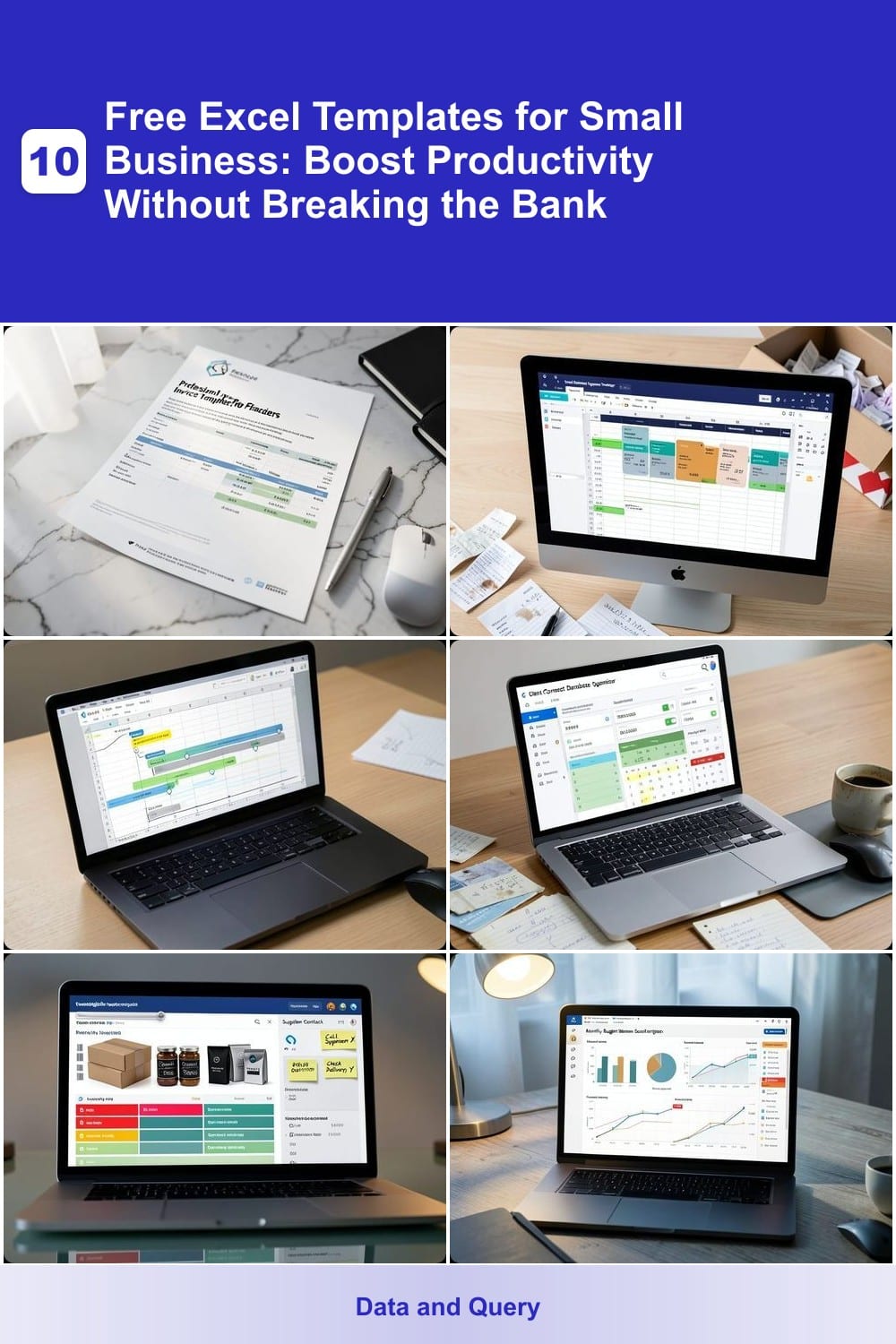
First impressions matter—especially when it comes to invoices. This Professional Invoice Template for Freelancers turns clunky spreadsheets into polished, trust-building documents that reflect your brand’s professionalism. With pre-filled tax calculations (including sales tax and deductions) and customizable payment terms, you’ll send invoices that look like they came from a full-service agency—not a DIY spreadsheet.
The template includes dedicated branding space for your logo, color scheme, and contact details, ensuring consistency across all client communications. Automated subtotals, discounts, and late fees eliminate manual errors, while a built-in payment tracker lets you monitor overdue invoices at a glance. Compatible with Excel 2016+ and Google Sheets, it syncs seamlessly across devices.
Perfect for consultants, designers, and service providers who want to project confidence without hiring an accountant. Download it, tweak the headers with your business name, and watch your invoices go from "amateur hour" to "premium pro" in minutes. ✨
Small Business Expense Tracker
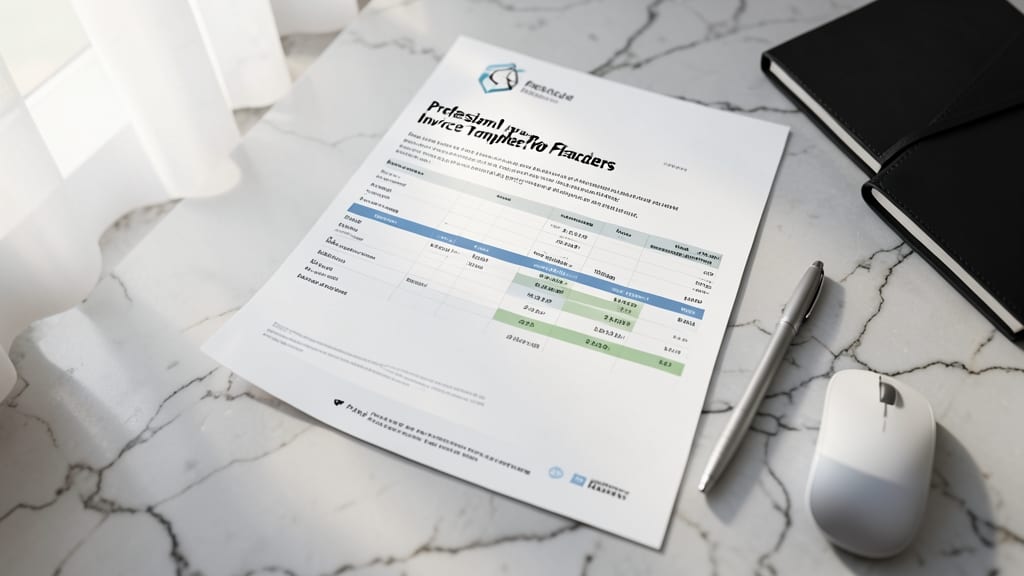
Tax season stressing you out? This Small Business Expense Tracker transforms chaotic receipts into a fully categorized, auto-summing ledger—no more digging through shoeboxes at year-end. The template’s department/project filters let you slice expenses by marketing, office supplies, or client projects, while built-in spending alerts flag anomalies like duplicate payments or unusually high costs.
With pre-built formulas for monthly/annual totals and a color-coded dashboard, you’ll see your biggest expenses at a glance. The tax-ready export formats data for accountants, and the Google Sheets-compatible version syncs across devices. Just input your transactions, and let Excel handle the heavy lifting—including generating a summary report in seconds.
Best for freelancers, consultants, and early-stage startups who need to track spending without hiring a bookkeeper. Download it, assign categories to your expenses, and watch your financial clarity improve instantly. 💡
Project Management Timeline Template
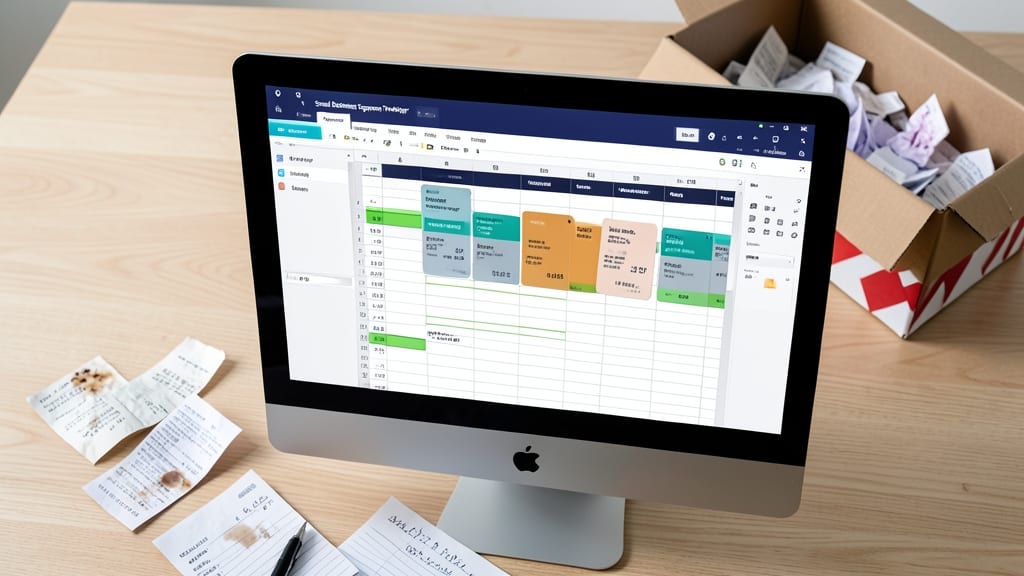
Juggling multiple projects without a dedicated tool? This Gantt chart-style timeline template brings professional project management to Excel—no software subscription needed. The pre-built layout lets you drag, drop, and visualize tasks, dependencies, and deadlines in a familiar spreadsheet format.
Key features include color-coded task bars for quick progress tracking, milestone markers with conditional formatting, and auto-calculated durations based on start/end dates. Simply input your tasks, set dependencies, and watch your project timeline render instantly—perfect for solopreneurs managing websites, marketing campaigns, or product launches. The template even includes a resource allocation section to track team bandwidth.
Best for freelancers and small teams who need visibility without the complexity of tools like Asana or Trello. Just download, customize with your project phases, and keep everyone aligned—all within Excel’s familiar interface. 💻
Client Contact Database Organizer
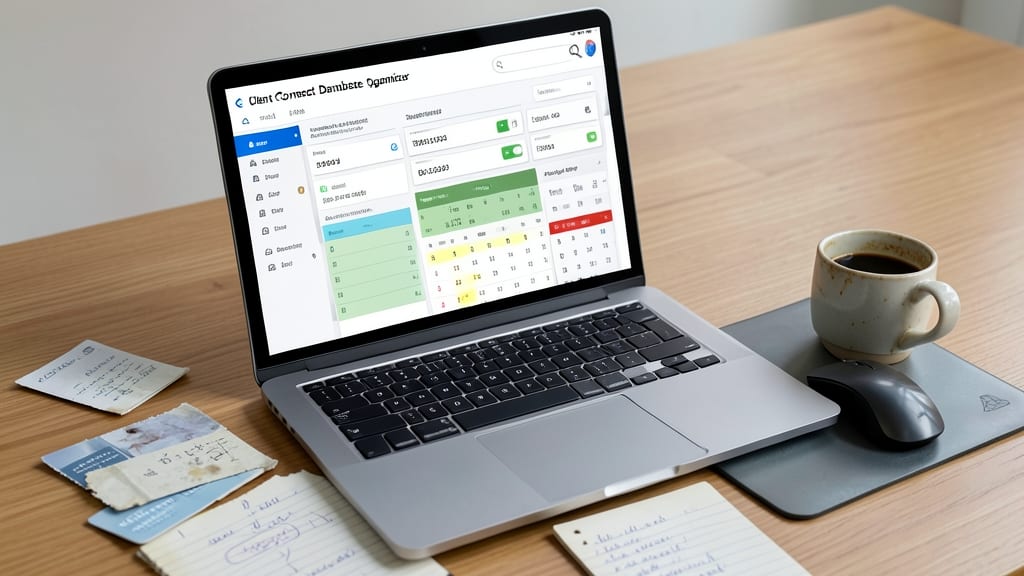
Tired of misplaced client cards and forgotten follow-ups? This Client Contact Database Organizer turns scattered notes into a searchable, centralized system—so you never miss a repeat sale opportunity again.
With built-in fields for names, emails, phone numbers, purchase history, and follow-up dates, you’ll track interactions effortlessly. The color-coded priority system highlights urgent contacts, while the sortable table lets you filter by last purchase or interaction date. Best of all, it’s pre-formatted for Excel 2016+, so you can start using it immediately without complex setup.
Perfect for hair salons, contractors, or consultants who rely on word-of-mouth referrals. Turn one-time clients into loyal customers with just a few clicks. ✨
Inventory Management Spreadsheet
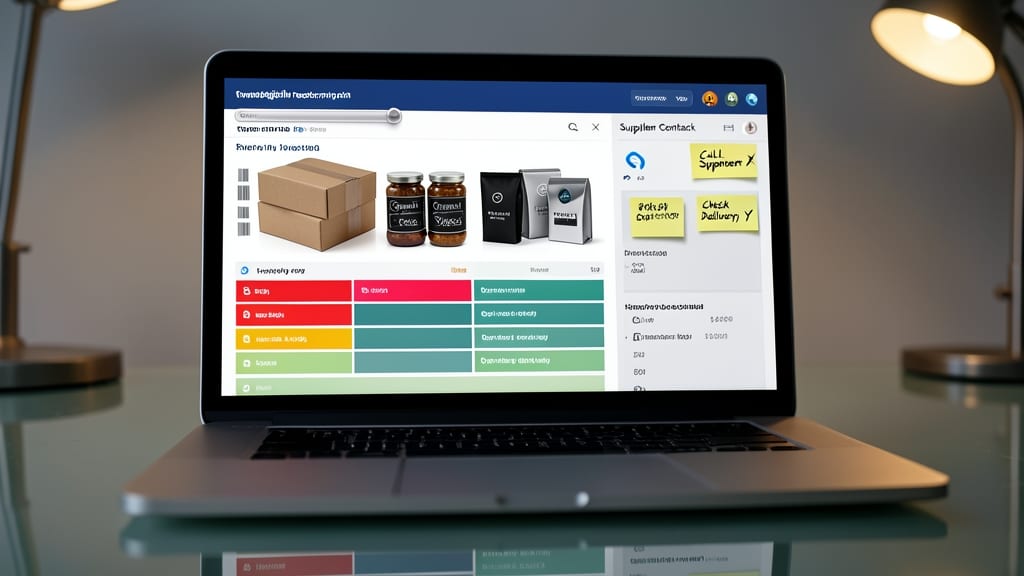
Ever lost sleep over a last-minute stockout or wasted cash on excess inventory? This Inventory Management Spreadsheet keeps your products moving smoothly with real-time tracking and automated alerts for low stock.
The template includes customizable reorder points, supplier contact details, and barcode scanning fields to streamline restocking. Built-in conditional formatting highlights items nearing stockouts in red, while a purchase history log helps you spot seasonal trends. It’s designed for Excel 2016+ and works on both Windows and Mac.
Perfect for small e-commerce stores, local retailers, or DTC brands—this spreadsheet turns guesswork into data-driven decisions. No more overstocking or stockouts ruining your sales. ✨
Monthly Budget Planner for Startups

If you’re drowning in startup costs but unsure where your money’s really going, this Monthly Budget Planner turns financial guesswork into actionable insights. Unlike static spreadsheets, it dynamically compares your projected vs. actual expenses with built-in visual charts—highlighting overspending before it spirals.
The template includes a 12-month rolling forecast, color-coded categories (marketing, payroll, operations), and a trend analysis graph that updates automatically as you log transactions. No Excel expertise needed—just input your data, and it flags anomalies like unexpected subscription fees or vendor overcharges in seconds.
Perfect for bootstrapped founders who need to justify every dollar without hiring an accountant. Download it, tweak the categories to match your business, and watch your cash flow clarity improve overnight. ✨
Employee Timesheet Calculator
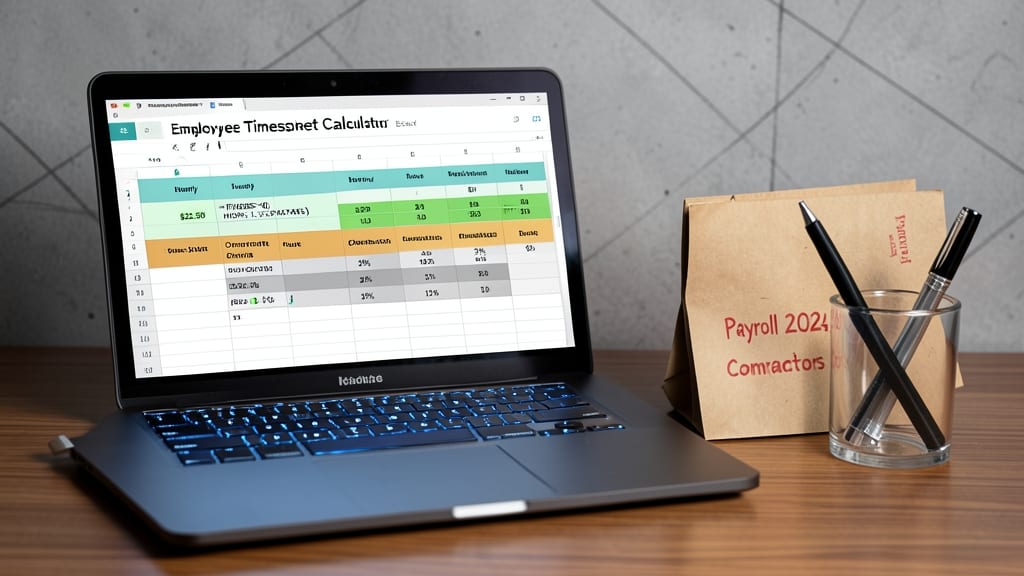
Say goodbye to manual payroll headaches with this Employee Timesheet Calculator, designed to handle hourly wages, overtime, and tax deductions in one click. Whether you manage a small team or work with contractors, this template simplifies payroll processing while ensuring compliance with labor laws.
Built with pre-loaded formulas, it automatically calculates gross pay, overtime (based on 40-hour workweeks), and withholds taxes—including federal, state, and FICA deductions. The template also includes a weekly/hourly breakdown for easy tracking and audit-ready records. Just input employee hours and rates, and let Excel do the rest.
Perfect for freelancers managing subcontractors or small businesses with hourly staff, this template saves hours of manual calculations each pay period. 💻
Social Media Content Calendar
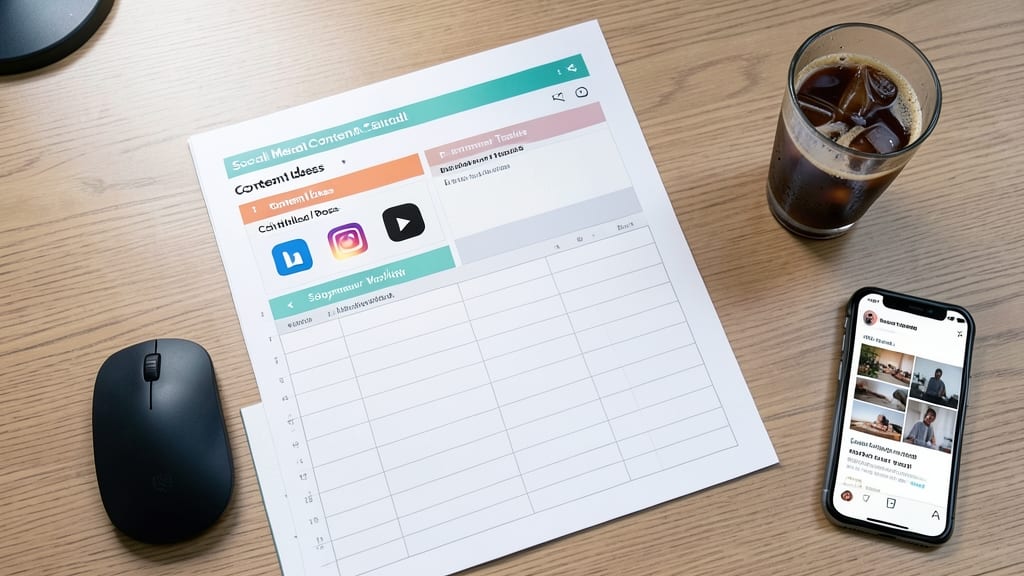
If posting consistently across LinkedIn, Instagram, and TikTok feels like herding cats, this Social Media Content Calendar template brings order to the chaos. Designed specifically for solopreneurs, it eliminates the guesswork by combining scheduling, platform assignments, and content tracking in one place.
The template includes color-coded sections for each platform, drag-and-drop publishing dates, and a content status tracker (draft/published/ideas). Built-in reminders for hashtag research and engagement follow-ups ensure no post gets left behind. Best of all, it syncs effortlessly with Google Sheets for cloud access on the go.
Ideal for freelancers, coaches, and small business owners who need to maintain an active online presence without hiring a social media manager. No more last-minute scrambling to remember what you posted and when! ✨
Sales Pipeline Tracker for Lead Conversion
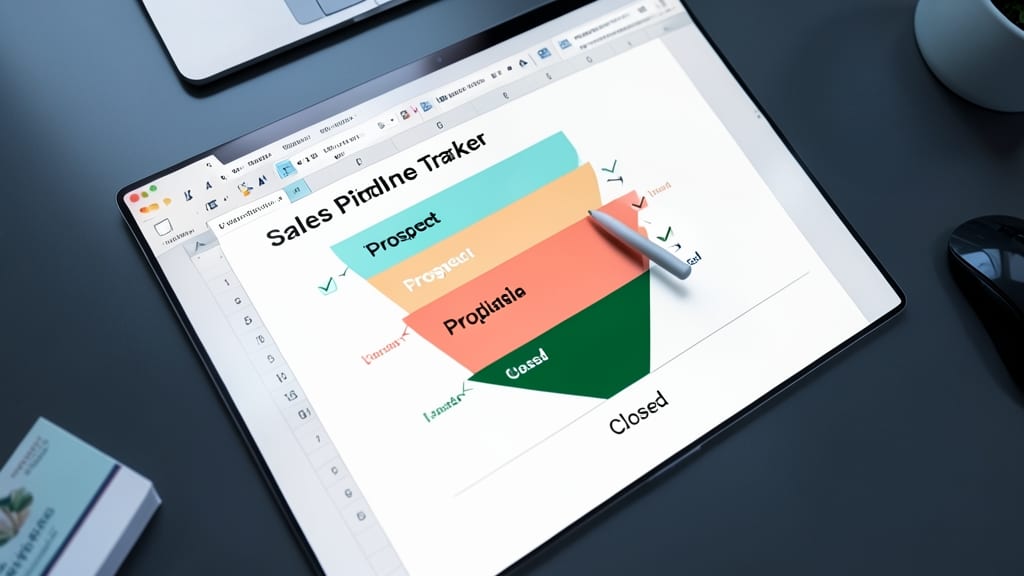
Struggling to close deals because your sales process feels like a black box? This Sales Pipeline Tracker template turns chaos into clarity with a visual funnel chart that maps every stage—from leads to closed wins. The color-coded stages (e.g., "Prospect," "Proposal," "Closed") let you spot bottlenecks instantly, so you can double down on what’s working.
With pre-built formulas, you’ll track deal values, follow-up dates, and conversion rates without manual calculations. The drag-and-drop pipeline view updates automatically when you move deals between stages, and conditional formatting highlights high-value opportunities. Best of all, it’s compatible with Excel 2010+ and Google Sheets, so you can start tracking leads today without software subscriptions.
Perfect for B2B sales teams, freelancers with long sales cycles, or solopreneurs selling high-ticket services. Watch your close rates climb when you focus efforts where the funnel leaks the most. ✨
Break-Even Analysis Calculator
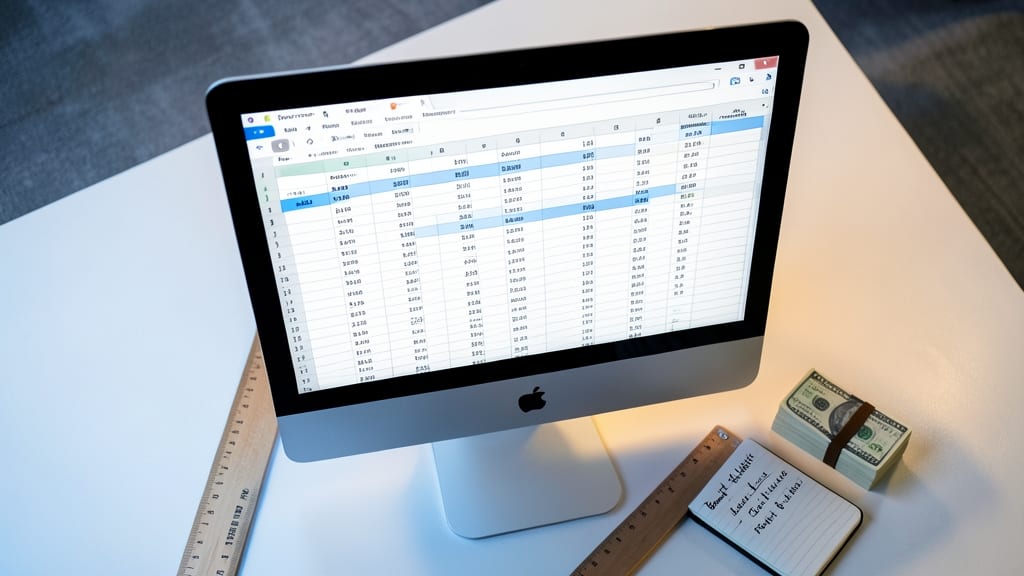
Launching a product without knowing your break-even point is like sailing blind—this template cuts the guesswork. Designed for product-based businesses, it calculates the minimum sales volume and optimal pricing needed to cover costs, including fixed expenses (rent, salaries) and variable costs (materials, shipping).
The pre-built formulas handle all the math, so you input your numbers once and instantly see your profit margin and sales target for profitability. A visual break-even chart makes it easy to adjust pricing or costs to hit your goals faster. Perfect for makers, e-commerce sellers, or anyone testing a new product line.
Whether you’re pricing a handmade craft or a digital download, this template helps you avoid costly missteps before scaling. ⚡