
Coding
SQL Server 2012 introduced groundbreaking features that transformed database management and development. These 10 innovations—from enhanced security to cloud integration—revolutionized how developers build, secure, and scale enterprise applications.
AlwaysOn Availability Groups for High Availability

Mission-critical systems can’t afford hours of downtime—AlwaysOn Availability Groups in SQL Server 2012 redefined high availability with synchronous data replication across multiple servers. Unlike traditional failover clustering, this feature ensures near-zero data loss by mirroring transactions in real time, with automatic failover triggering in seconds.
Deploy up to 8 secondary replicas for read-scale workloads while maintaining a single primary for writes. The automatic client redirection feature ensures applications stay connected during failovers without manual intervention. For financial institutions processing transactions or healthcare systems managing patient records, this means downtime measured in minutes, not hours—a game-changer for compliance and uptime SLAs.
Ideal for enterprises running 24/7 operations, this feature eliminates the guesswork of manual failover testing. If you’re managing databases where seconds matter, AlwaysOn Availability Groups turn "what-if" scenarios into a battle-tested setup. ⚡
Columnstore Indexes for Faster Analytics

If your analytics queries are crawling through mountains of data like a snail on molasses, Columnstore Indexes in SQL Server 2012 might just be your game-changer. This feature redefines how data warehouses handle massive datasets by storing and querying data column-wise instead of row-wise, unlocking 10x faster performance for analytical workloads.
The magic happens through compression and batch processing—ideal for scanning entire columns (like transaction dates or sensor readings) rather than row-by-row. It’s especially powerful for BI teams dealing with retail transaction logs or IoT telemetry, where aggregations over millions of records used to take hours. The nonclustered columnstore index option even lets you keep your existing row-based indexes for OLTP workloads.
Perfect for data warehouses where query speed directly impacts decision-making, this feature is a must-try for any team drowning in big data. ✨
Contained Databases for Simplified Deployment

Tired of deployment headaches where moving a database from dev to production feels like solving a Rubik’s Cube? SQL Server 2012’s Contained Databases solve this by encapsulating everything—tables, schemas, logins, and even permissions—into a self-contained unit. No more server-level dependencies breaking your app when you switch environments.
With Contained Databases, you get three key benefits: portability across environments, simplified backups (since databases are isolated), and the ability to move them between servers without touching server-level configurations. The USER_MAPPING feature even handles login translations automatically, so your dev team’s test users don’t break prod. This is a game-changer for agile teams where environments must stay in sync.
Perfect for startups and enterprises alike, this feature shines when you need to spin up new dev/test environments quickly or migrate databases between on-prem and cloud setups. Say goodbye to deployment bottlenecks. ✨
Windows Azure Integration for Hybrid Cloud

What if your database could grow with your business—without forcing a complete rewrite? SQL Server 2012’s Windows Azure Integration bridges on-premises systems with Microsoft Azure, offering a hybrid cloud solution that adapts to your needs. This feature lets you extend storage, computing, and disaster recovery to Azure while keeping core operations local, all with minimal configuration.
The integration provides seamless backup and restore between on-premises and Azure, elastic scaling for handling traffic spikes, and disaster recovery with minimal data loss. For startups or SMBs, this means you can start small with local servers and scale to Azure as demand grows—without rewriting applications or migrating data manually.
Perfect for businesses with unpredictable growth or seasonal workloads, this feature removes the guesswork of cloud migration. Whether you’re a developer or IT admin, Azure Integration ensures your database stays agile and resilient. ✨
SQL Server Data Tools (SSDT) for ALM

Tired of treating database changes as second-class citizens in your DevOps pipeline? SQL Server Data Tools (SSDT) for Application Lifecycle Management bridges that gap by integrating schema management, unit testing, and source control into a single Visual Studio-based IDE. No more juggling separate tools—your database evolves alongside your application code.
With schema compare and refactor tools, you can sync changes across environments with confidence, while T-SQL unit testing frameworks catch logic errors before deployment. The integration with Team Foundation Version Control (TFVC) or Git means database scripts get the same versioning rigor as application code. For DevOps teams, this is the missing piece that turns database migrations from manual risks into automated, repeatable processes.
Perfect for enterprise development teams building CI/CD pipelines where database changes must keep pace with application updates. Say goodbye to deployment bottlenecks caused by "database drift." ✨
Contained User Authentication for Security
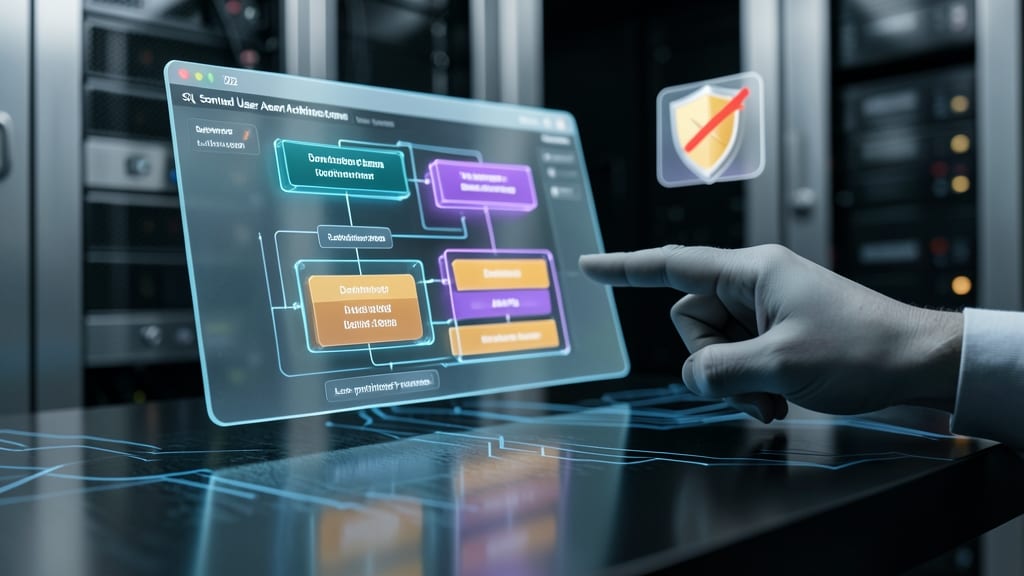
Tired of server-wide login risks exposing your entire database ecosystem? Contained User Authentication in SQL Server 2012 finally lets you scope permissions to individual databases—no more granting excessive server-level access. This game-changer enforces least-privilege access by design, reducing attack surfaces while keeping compliance teams happy.
With contained database users, credentials stay tied to the database itself, not the server. This means you can safely move databases between environments without breaking authentication—critical for agile teams. The CONTAINMENT = PARTIAL setting even lets you mix contained and non-contained objects, giving you granular control. For security admins, this eliminates the need for complex server-level logins while maintaining audit trails.
Perfect for finance, healthcare, or government systems where data isolation is non-negotiable. Security teams can now enforce strict access policies without sacrificing flexibility. ✨
Sequence Objects for Identity Columns

Tired of auto-increment’s rigid limitations when managing distributed databases? Sequence objects in SQL Server 2012 replace traditional identity columns with customizable generators that handle gaps, cycles, and even multi-table synchronization—ideal for e-commerce order IDs or financial transaction logs.
You gain precise control over increment values, starting points, and cycle behaviors (e.g., resetting after 1,000,000 IDs). Unlike auto-increment, sequences support multiple tables sharing the same generator, eliminating duplicate ID risks in distributed systems. The syntax is straightforward: CREATE SEQUENCE OrderIDSeq AS INT START WITH 1000 INCREMENT BY 1 CYCLE;
This feature is a game-changer for multi-tenant SaaS platforms or global retail systems where order IDs must remain unique across regions without manual intervention. ⚡
Power View for Interactive Data Visualization

Tired of waiting for IT to build reports every time you need sales insights? Power View—SQL Server 2012’s game-changing BI tool—lets you create interactive dashboards directly in Excel with zero coding. Drag-and-drop charts, maps, and pivot tables now respond to your filters in real time, turning raw data into actionable stories.
This self-service analytics tool integrates seamlessly with SharePoint 2010 and supports touchscreen gestures for intuitive exploration. You can drill down into regional sales trends, compare product performance, or spot anomalies—all without SQL queries. The 3D visualizations and animated transitions make presentations pop, while data alerts keep you updated on key metrics.
Perfect for marketing analysts, sales teams, or small businesses without dedicated BI resources, Power View turns spreadsheets into a powerhouse for data-driven decisions. 💡
Contained Backup and Restore for Isolation
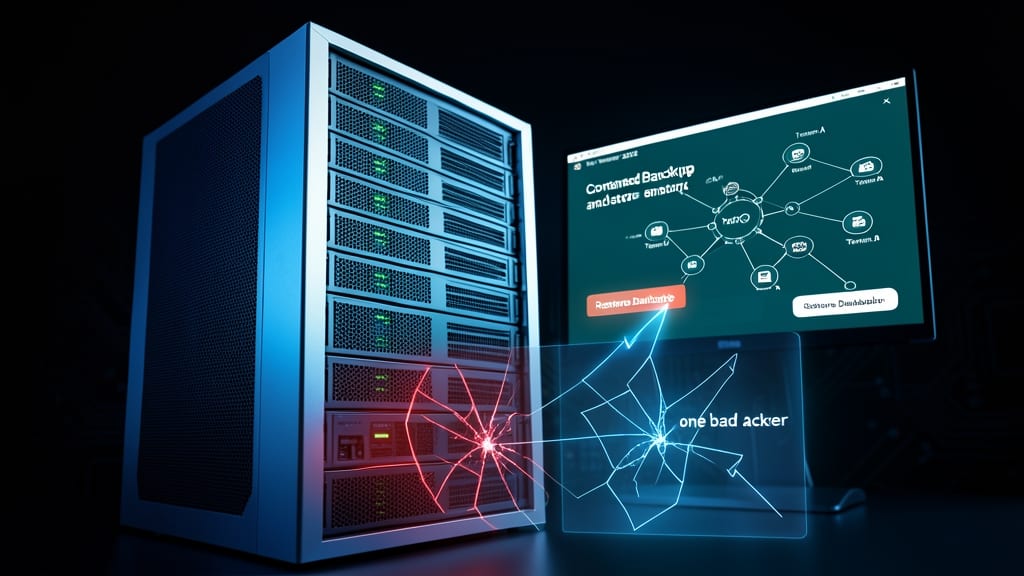
Running a multi-tenant SaaS platform means one bad actor could crash your entire system—but SQL Server 2012’s Contained Backup and Restore changes that. This feature lets you back up and restore individual databases without touching the server-level configuration, giving you surgical precision for recovery.
With point-in-time recovery, you can roll back a single database to any second in its history—critical when a client’s corrupted data threatens their own tenant only. The zero-server-dependency design means no more full-server backups or risky restores that could disrupt other workloads. Scripting support makes automation a breeze for DevOps teams managing hundreds of databases.
Perfect for SaaS providers, hosting companies, or any organization running isolated tenant databases—where uptime and data integrity are non-negotiable. ⚡
SQL Server Data Quality Services
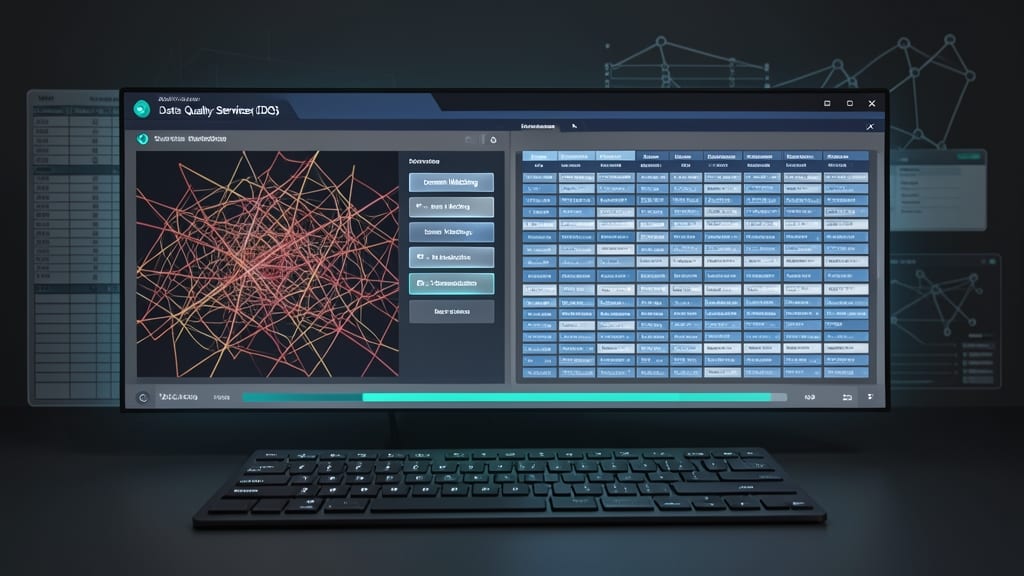
Merging duplicate records across massive datasets—like CRM systems or financial ledgers—used to be a manual nightmare. SQL Server Data Quality Services (DQS) automates this with cleansing, matching, and standardization tools, ensuring data integrity during migrations or consolidations.
With domain-specific knowledge bases (like addresses, names, or product codes) and fuzzy matching algorithms, DQS identifies duplicates with 95%+ accuracy while preserving relationships. The DQS Client provides a drag-and-drop interface for defining rules, and integration with SQL Server Integration Services (SSIS) makes it seamless for ETL pipelines.
Perfect for enterprises consolidating systems post-mergers or migrating legacy data to modern platforms. ⚡