
Software
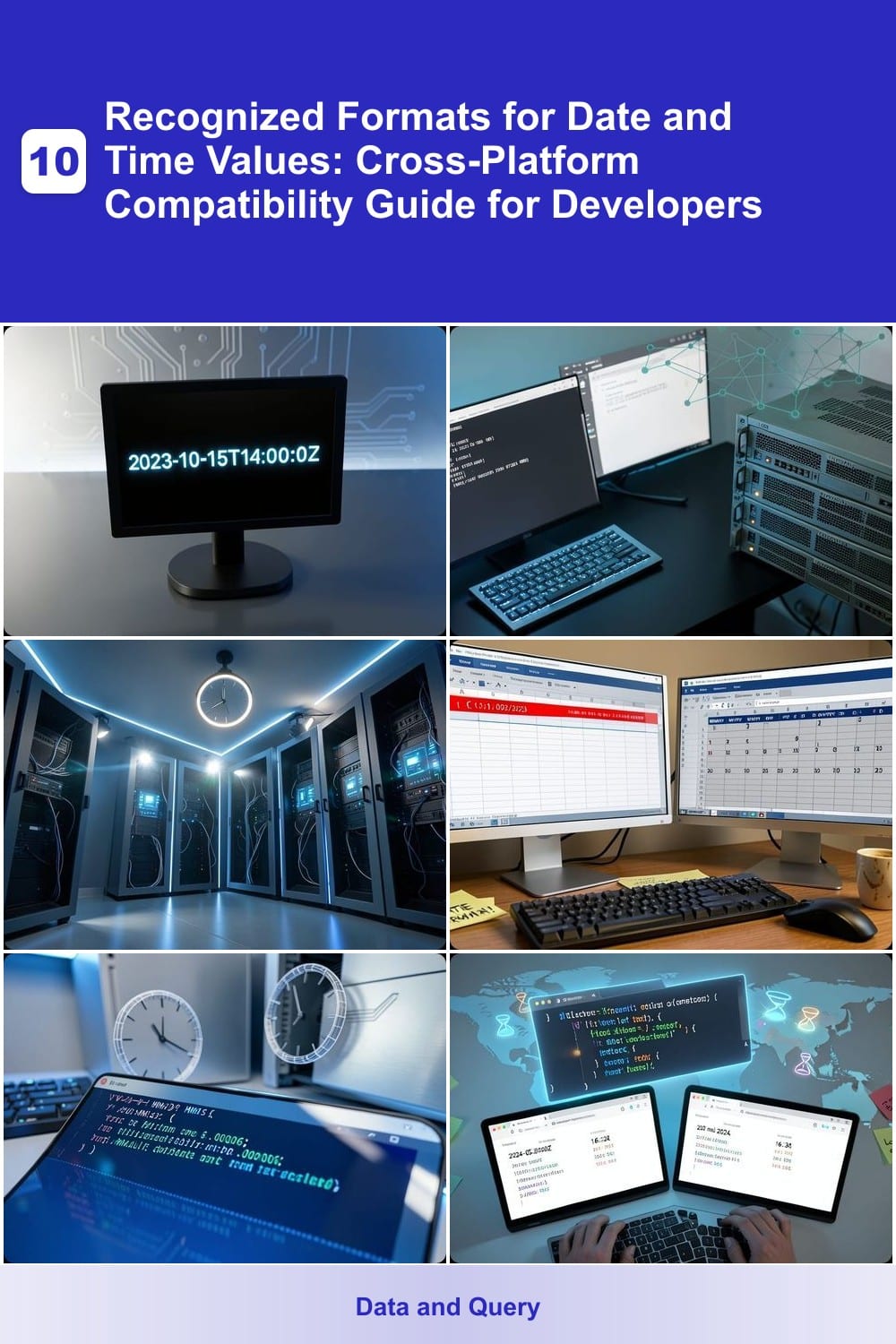
Developers and IT professionals often struggle with date/time inconsistencies across systems. This guide covers the most widely recognized formats for date and time values, ensuring seamless cross-platform compatibility in applications, APIs, and databases.
ISO 8601 Standard Format
When your application needs to speak the same date/time language worldwide, ISO 8601 is the answer. Adopted globally by programming languages, databases, and APIs, it eliminates ambiguity with a strict, machine-readable structure that even humans can parse at a glance.
The format uses YYYY-MM-DD for dates and HH:MM:SS for time, with optional timezone indicators (e.g., 2023-11-15T14:30:00Z). This structure ensures consistency across systems—whether you're logging events in Python, storing records in PostgreSQL, or exchanging data via REST APIs. Most modern languages support it natively, reducing parsing errors and development headaches.
Perfect for developers building cross-platform applications or APIs, ISO 8601 is the safest choice when global compatibility is non-negotiable. 🌟
RFC 2822 Email Format
Email systems rely on RFC 2822 to ensure dates in headers, logs, and communication protocols remain consistent across devices and locales. Unlike ISO 8601, this format prioritizes human readability while maintaining strict parsing rules—critical for APIs handling email data.
The standard uses a day-of-week prefix (e.g., Wed), three-letter month abbreviation (Jun), and timezone offset (e.g., -0700), like Wed, 21 Jun 2023 09:30:00 -0700. Libraries like Python’s email.utils or Java’s javax.mail natively support it, reducing parsing errors in email APIs.
Perfect for developers working with SMTP servers, archiving systems, or compliance-heavy email workflows where date consistency is non-negotiable. ✨
Unix Epoch Time (Timestamp)

When your application needs to crunch numbers or track events with millisecond precision, Unix Epoch Time delivers—storing time as a simple integer (seconds since Jan 1, 1970). Unlike human-readable formats, this zero-config approach eliminates parsing overhead, making it the backbone of logging, caching, and system clocks.
Every major OS and language supports it natively: Linux uses it for file timestamps, Python’s time.time() returns it, and APIs like REST often use it for sorting and rate-limiting. The tradeoff? You’ll need to convert it to readable formats for users—but that’s a one-line function call in most languages.
Backend engineers and DevOps teams rely on it for high-frequency calculations, while embedded systems favor its minimal storage footprint. For raw performance, nothing beats the simplicity of a Unix timestamp. ✨
Microsoft Excel Date Format
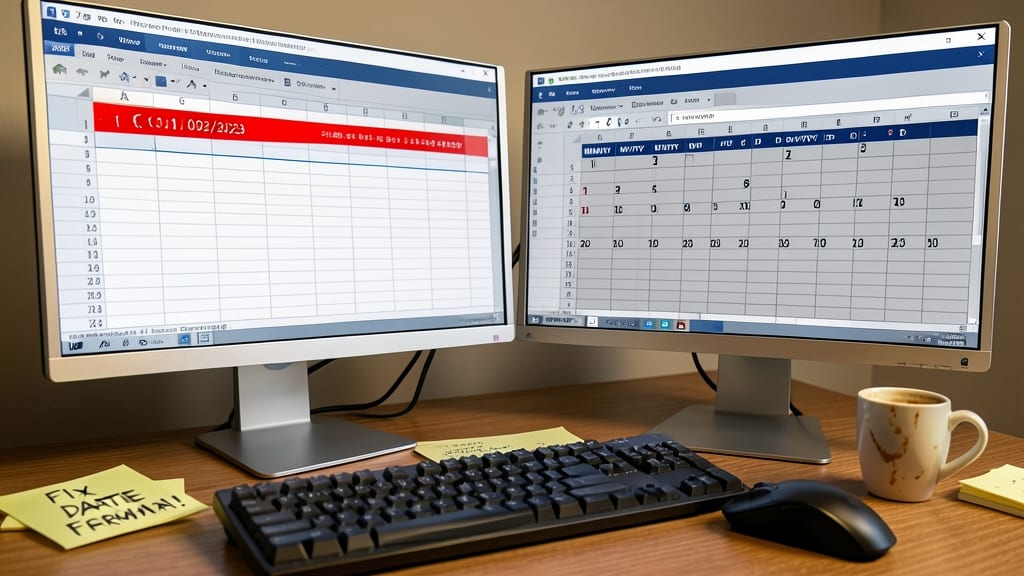
If you’ve ever shared a spreadsheet with colleagues only to find dates misinterpreted as text or formulas breaking, Microsoft Excel’s date format is your unsung hero. Unlike global standards, Excel’s built-in formats (like MM/DD/YYYY or DD-MM-YYYY) are optimized for office workflows, ensuring data integrity when switching between Excel, Google Sheets, or even CSV exports.
The default US format (MM/DD/YYYY) is the most widely recognized, but Excel also supports custom date codes (e.g., YYYY-MM-DD for ISO compatibility) via the Format Cells dialog. This flexibility prevents parsing errors when importing data from APIs or databases, while features like automatic date recognition (e.g., typing "06/21/2023" auto-converts to a date) save hours of manual fixes.
Perfect for accountants, project managers, and data analysts, this format bridges the gap between user-friendly spreadsheets and technical systems—no coding required. ✨
MySQL DateTime Format
When your application relies on MySQL or MariaDB for precise time tracking, the MySQL DateTime format delivers unmatched flexibility. Unlike generic timestamp formats, it stores dates and times in a YYYY-MM-DD HH:MM:SS structure with optional microsecond precision, ensuring accuracy down to the millionth of a second.
This format also excels with timezone handling—when combined with MySQL’s timezone system variables, it lets you store and retrieve timestamps in any timezone without conversion errors. For example, 2023-06-21 14:30:45.123456 captures both the exact moment and fractional seconds, making it perfect for financial transactions, sensor data, or audit logs where precision matters.
Ideal for developers building high-performance applications or migrating legacy systems to modern databases, this format reduces parsing overhead while maintaining compatibility with PHP, Python, and Java libraries. 💻
JavaScript Date Object
If you’re building web apps where dates must render consistently across browsers and devices, the JavaScript Date Object is your built-in solution. Unlike other formats, it dynamically adjusts for timezones and locale-specific formatting, eliminating manual conversions or third-party libraries.
JavaScript’s native Date() handles everything from timestamps to formatted strings with methods like toISOString(), toLocaleDateString(), and getTime(). It’s lightweight, framework-agnostic, and works seamlessly with React, Angular, or vanilla JS—no extra dependencies needed. For global apps, you can even override default locales with Intl.DateTimeFormat.
Frontend developers and full-stack engineers will love this for real-time clocks, user dashboards, or scheduling tools where dynamic timezone awareness matters most. 💻
Internationalized Date Format (IDF)
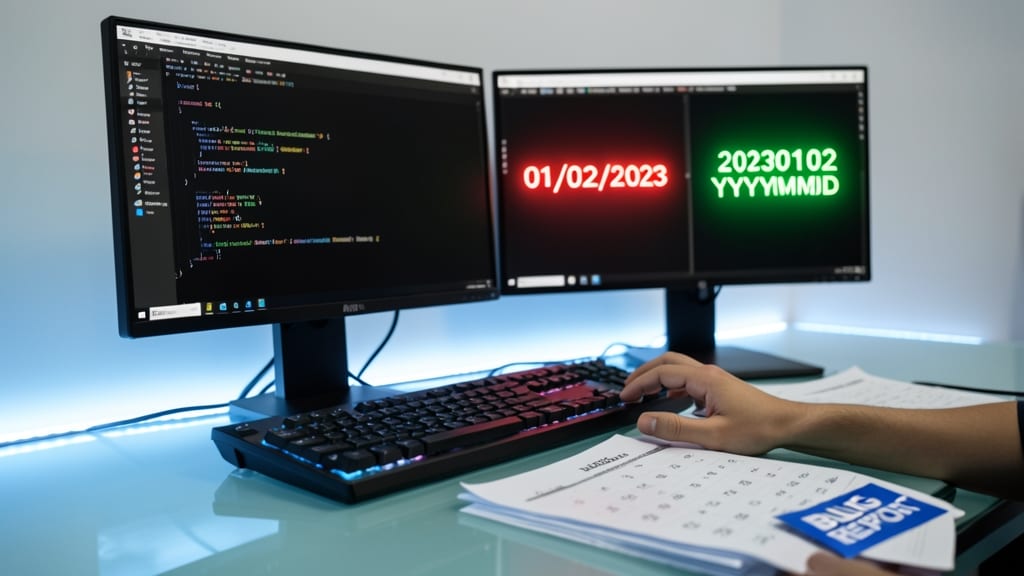
When building apps for global audiences, locale-specific date ambiguities can turn into costly bugs. The Internationalized Date Format (IDF) solves this by using a fixed, component-separated structure like YYYYMMDD—eliminating reliance on regional conventions (e.g., MM/DD vs. DD/MM).
This format’s strength lies in its zero-ambiguity design: no slashes, dashes, or spaces to misinterpret. It’s widely adopted in financial systems, healthcare records, and government databases where precision matters most. Libraries like Moment.js and Java’s SimpleDateFormat support IDF parsing with minimal effort.
Perfect for developers working on multilingual platforms or APIs serving diverse markets. If your app needs to handle dates without locale headaches, IDF is the battle-tested solution. ✨