
Tip & Trick
Remote work offers flexibility but exposes you to cyber threats like phishing, malware, and data breaches. These 10 security best practices—backed by IT experts—will fortify your digital workspace and help you work safely from anywhere without sacrificing productivity.
Use Multi-Factor Authentication Everywhere
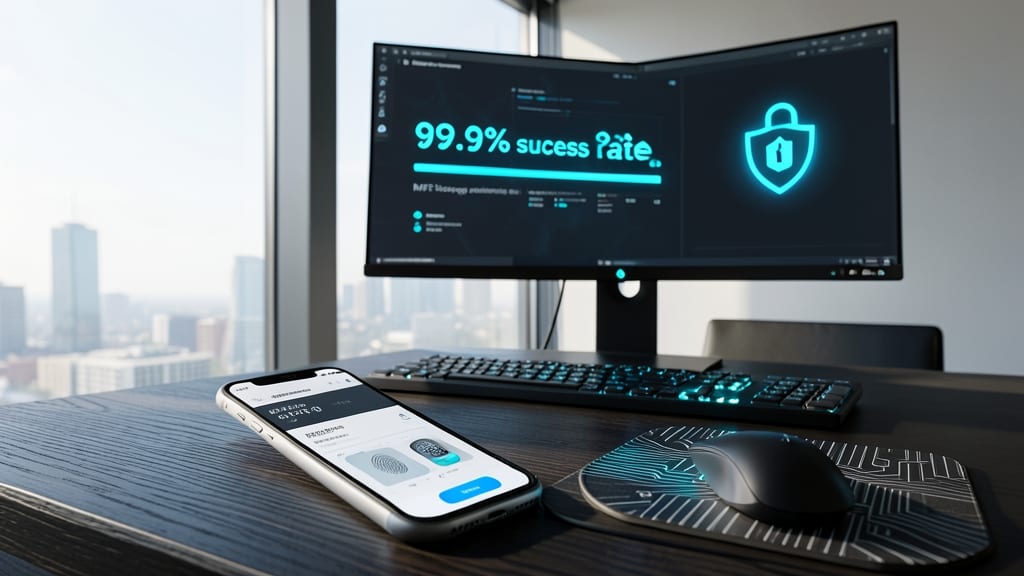
If you think your password alone is enough to keep hackers out, think again—99.9% of automated attacks are blocked by simply adding multi-factor authentication (MFA). This isn’t just a suggestion; it’s your first line of defense for email, VPNs, and cloud services where sensitive data lives.
MFA works by requiring two or more verification methods (like a password + a code from an app or hardware key) before granting access. Services like Google Authenticator, Duo, or YubiKey make setup seamless, while FIDO2 keys offer phishing-resistant security. Even free options like Microsoft Authenticator integrate with work accounts automatically.
This is non-negotiable for remote workers—whether you’re accessing company files or personal banking. Start with your most critical accounts today. ⚡
Secure Your Home Wi-Fi Network
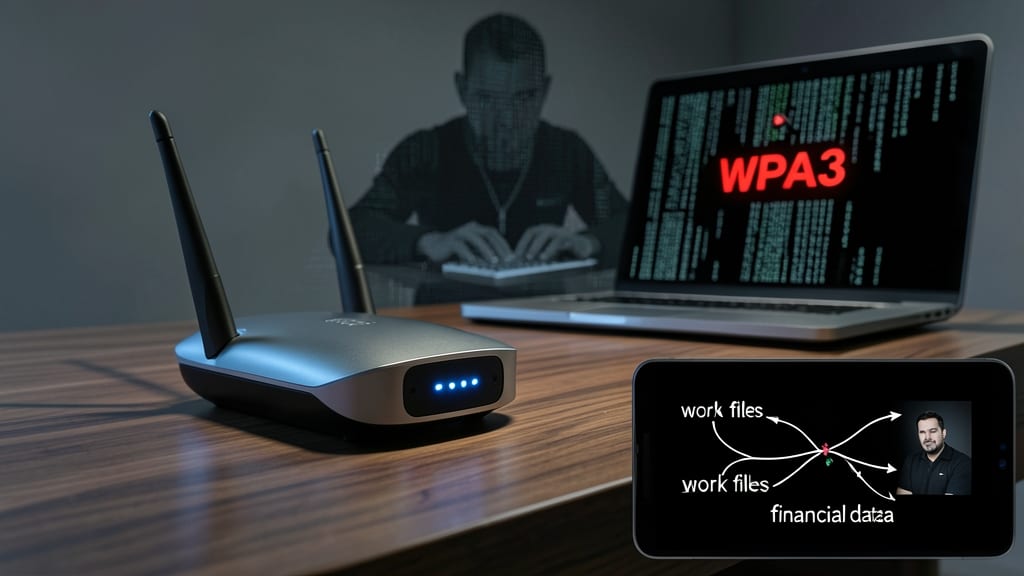
Your home Wi-Fi isn’t just a convenience—it’s the gateway to your work files, financial data, and personal accounts. Hackers exploit weak encryption and default settings to launch man-in-the-middle attacks, intercepting unsecured remote connections in seconds.
Start by upgrading to WPA3 encryption (the latest standard) in your router settings—it thwarts brute-force attacks even if your password is weak. Next, change the default admin credentials (most routers ship with predictable usernames/passwords like "admin/admin") to something unique. Finally, disable WPS (Wi-Fi Protected Setup), a feature riddled with vulnerabilities that let attackers bypass security entirely.
This setup is critical for remote workers, freelancers, or anyone handling sensitive data—especially if you’ve ever connected to public Wi-Fi. A secure home network acts as your first line of defense against cybercriminals lurking on the same ISP as you. ✨
Enable a Virtual Private Network
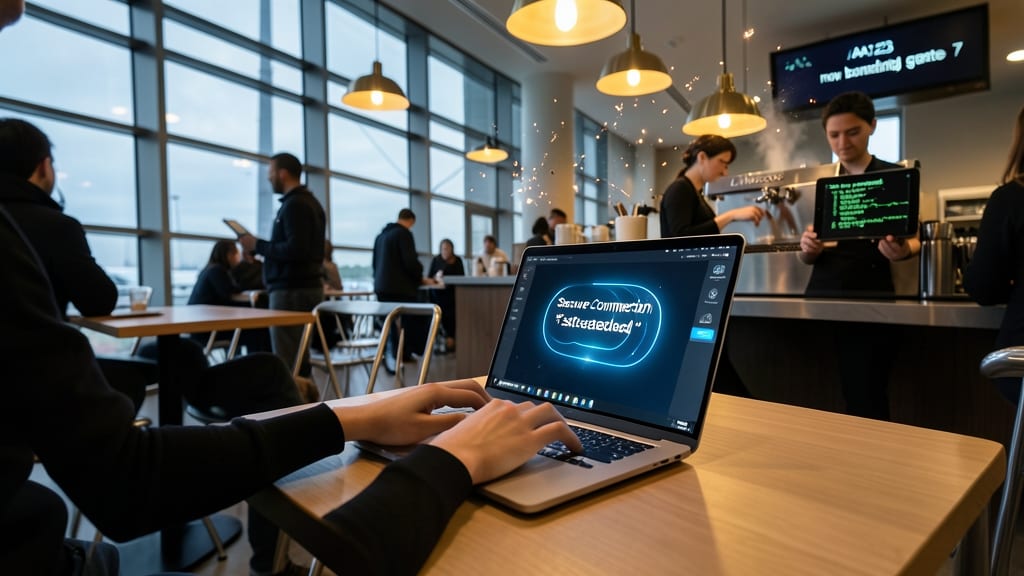
Public Wi-Fi at coffee shops or airports is convenient—but it’s also a prime target for hackers sniffing for unencrypted data. A VPN (Virtual Private Network) creates an encrypted tunnel for all your internet traffic, making it impossible for snoops to intercept sensitive work emails, passwords, or financial transactions.
Look for providers with military-grade encryption (AES-256), a strict no-logs policy, and servers in multiple countries. Services like ProtonVPN or NordVPN offer user-friendly apps that connect in seconds, even on mobile devices. The best part? Your real IP address stays hidden, so your online activity can’t be traced back to you.
This is a must-have for remote workers, freelancers, or anyone accessing company resources from outside the office. It’s the digital equivalent of a locked briefcase for your data. ✨
Regularly Update All Software
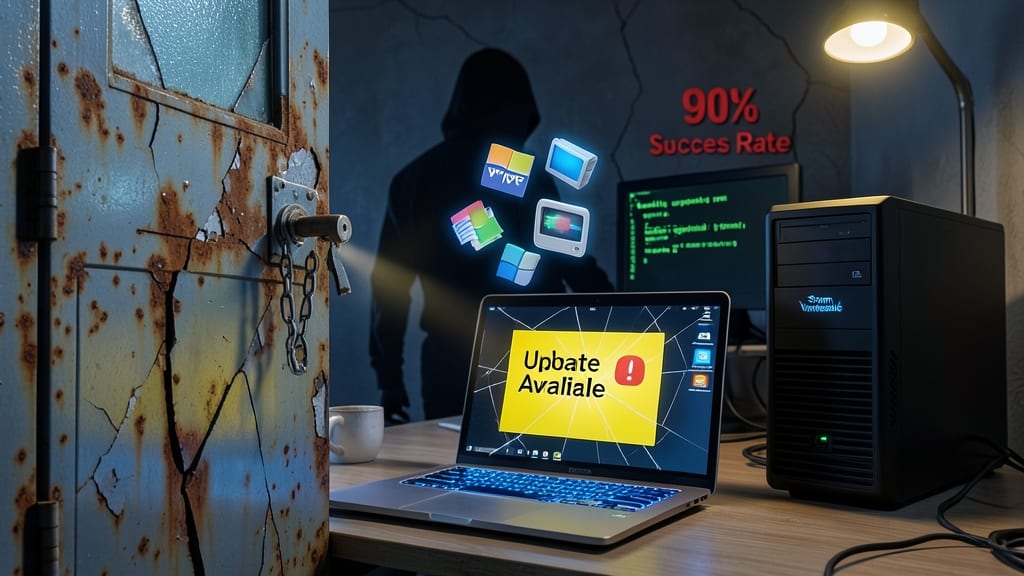
Hackers love exploiting outdated software—it’s like leaving your front door unlocked. 90% of successful cyberattacks target known vulnerabilities in unpatched systems, making updates your first line of defense against malware and ransomware.
Enable automatic updates for your OS, browsers, and apps to close security gaps instantly. Tools like Windows Update, Apple’s Software Update, or Patch Management solutions (e.g., ManageEngine, PDQ Deploy) let IT teams push critical fixes to remote devices without manual intervention. Even free tools like Bitdefender’s Patch Management can automate updates for small teams.
This is non-negotiable for remote workers handling sensitive data or IT admins managing distributed teams. Set it and forget it—your future self (and cybersecurity) will thank you. ⚡
Implement a Strong Password Manager
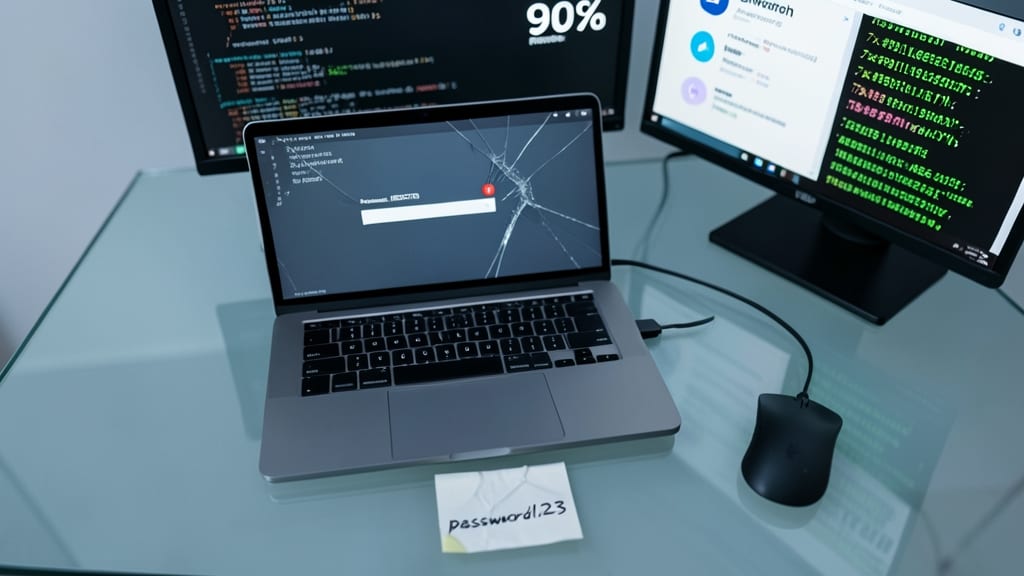
Credential stuffing attacks exploit weak passwords—90% of breaches start with reused passwords. A password manager like Bitwarden or 1Password automates complex, unique passwords for every account, eliminating this risk entirely. These tools generate and store passwords securely, using AES-256 encryption to protect your data even if the service is compromised.
Bitwarden offers a free, open-source tier with end-to-end encryption, while 1Password includes TOTP-based MFA and secure sharing for teams. Both sync across devices via cloud or self-hosted solutions, so you never forget a password again. The real win? Zero-configuration setup—just install, create a master password, and let the tool handle the rest.
Remote workers, freelancers, and teams managing multiple accounts will see the biggest benefits. For individuals, it’s the simplest way to future-proof your accounts against breaches. 💻
Secure Your Webcam and Microphone

Your webcam and microphone are prime targets for hackers—many remote workers don’t realize how easily they can be exploited for surveillance. A single unpatched device can turn your home office into a listening post without you ever knowing.
Start by physically covering your webcam with a privacy shutter (like 3M’s Privacy Filter) when not in use. For software control, tools like OBS Studio let you manually enable/disable your mic and camera during calls, while Windows’ built-in Privacy Settings block all apps from accessing them unless explicitly allowed.
This is especially critical for streamers, remote meeting hosts, and journalists**—anyone whose audio/video could be sensitive. A few clicks can turn your devices from vulnerabilities into secure tools. ✨
Use Encrypted Cloud Storage
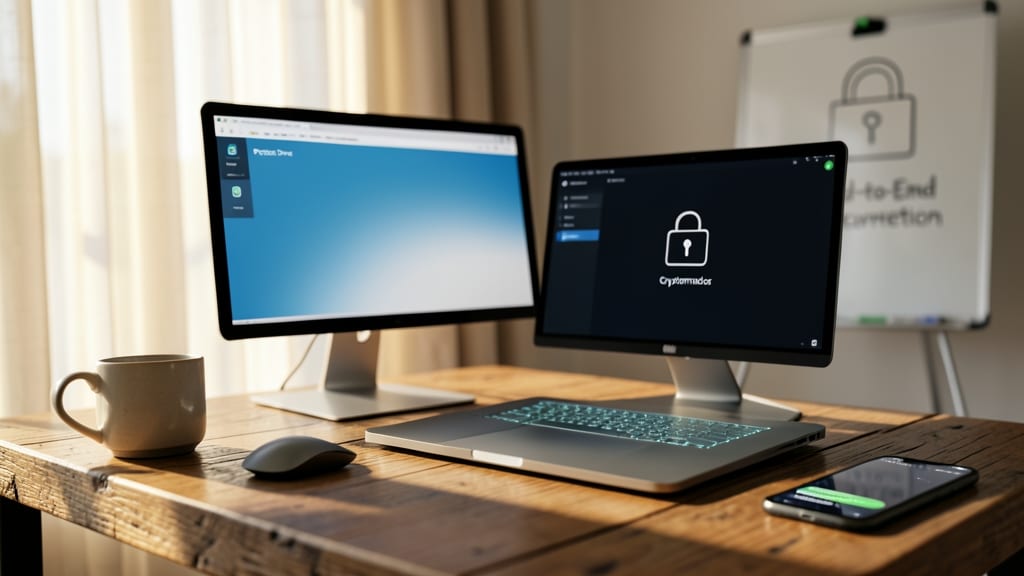
Storing sensitive files in the cloud without encryption is like leaving your front door unlocked—Proton Drive and Cryptomator change that by adding end-to-end encryption so only you hold the keys. Even if a breach occurs, your data stays locked down, making these tools essential for remote workers handling confidential documents.
Proton Drive integrates seamlessly with Microsoft Office and Google Docs, while Cryptomator works as a local client to encrypt files before they ever hit the cloud. Both support zero-knowledge architecture, meaning neither service can decrypt your files—just you. For teams, Proton Drive’s shared folders let you collaborate securely without compromising privacy.
This is a must for freelancers, legal professionals, or anyone handling financial records or client data. With encryption, you sleep better knowing your files are shielded from prying eyes—even if the cloud provider itself is compromised. ✨
Train Employees to Spot Phishing
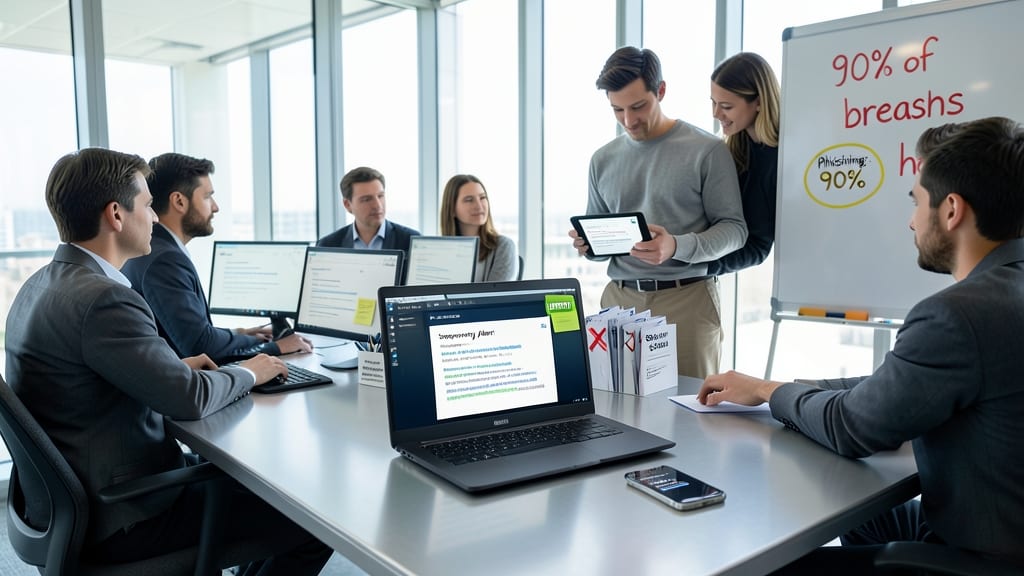
Your team’s best firewall isn’t software—it’s human vigilance. A staggering 90% of cyber breaches start with a phished employee, yet most training feels like a boring compliance checkbox. The solution? Simulated phishing tests that mimic real-world scams, paired with bite-sized lessons on spotting red flags like mismatched sender domains or "urgent action required" language.
Tools like KnowBe4 or PhishMe automate realistic attack simulations, tracking which employees fall for scams and delivering personalized coaching. Focus on three key habits: hover over links before clicking, verify sender emails with a quick search (e.g., "Is this really from paypal.com?"), and ignore requests for passwords or financial details via email. These small actions block 80% of phishing attempts before they reach your systems.
This isn’t just for IT teams—every remote worker should master these skills. Start with a monthly phishing drill, and watch your team’s reflexes sharpen faster than any firewall update. 💡
Isolate Work Devices from Personal Ones
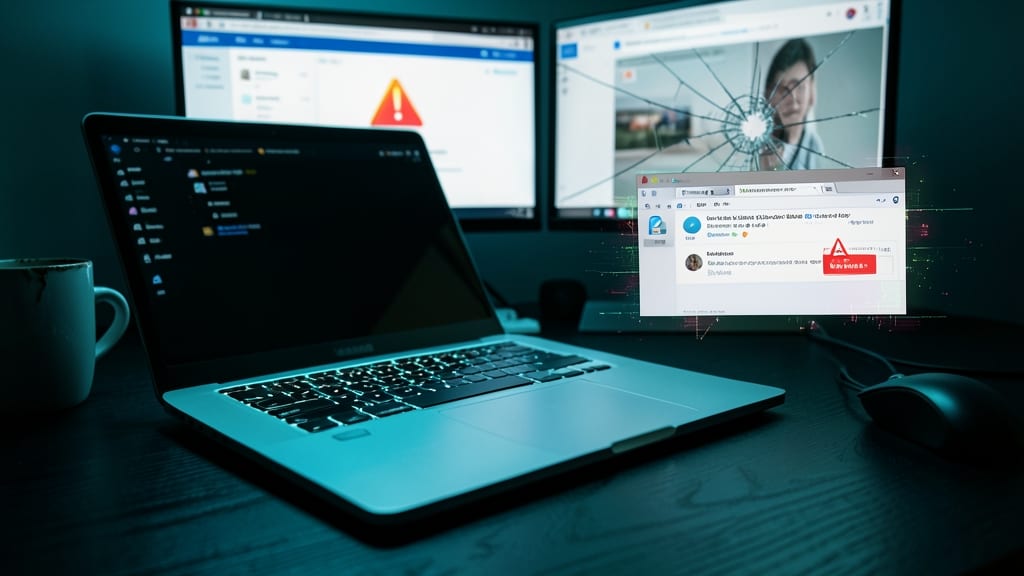
One click on a malicious attachment could turn your personal laptop into a bridge for corporate espionage—or worse. The solution? Isolate work and personal environments completely, so malware can’t hop between them.
For Windows users, Microsoft’s Windows Sandbox creates a disposable, hypervisor-powered VM that resets instantly after each use—perfect for testing suspicious files. If you’re on macOS or Linux, dual-booting with a separate OS partition (like Ubuntu for work) adds another layer of defense. Even better: Use a dedicated device for work entirely, like a company-issued tablet or a secondary Chromebook.
This approach is ideal for freelancers juggling client work and personal projects, or IT admins managing remote teams. A little separation now prevents a full-blown security nightmare later. ✨
Monitor and Respond to Threats
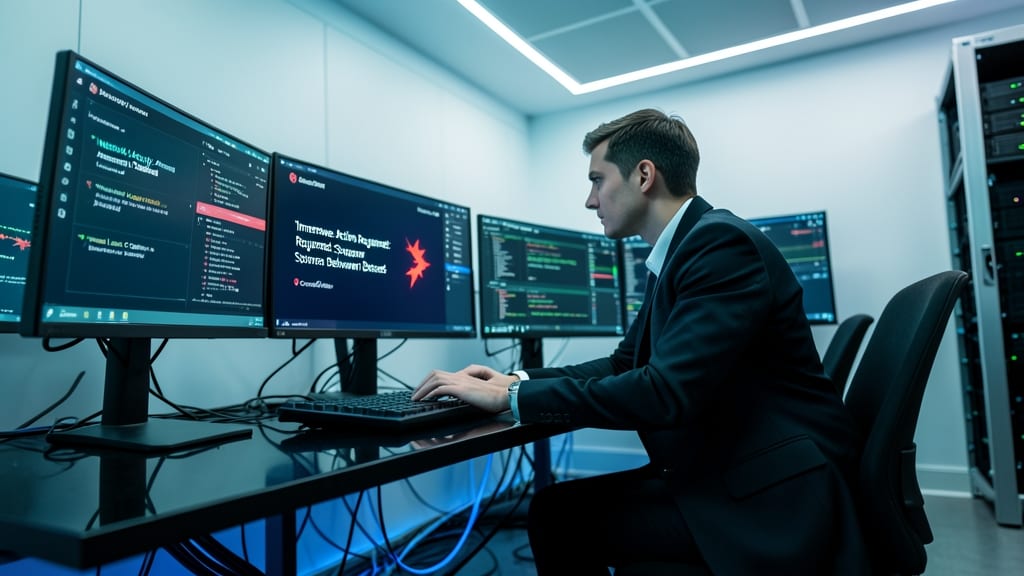
Cyber threats don’t wait for business hours—real-time threat detection is your secret weapon against breaches. Tools like Darktrace or CrowdStrike analyze network behavior 24/7, flagging suspicious activity before it becomes a disaster. Unlike traditional antivirus, these platforms learn your normal patterns and alert you to deviations, like a sudden spike in failed login attempts or unusual data transfers.
Set up automated responses for common threats (e.g., isolating compromised devices or blocking malicious IPs) to minimize downtime. Darktrace uses AI to detect zero-day exploits, while CrowdStrike offers endpoint protection with sub-second response times. Both integrate with your existing security stack, so no extra hardware or complex setup is needed.
This is a game-changer for IT teams managing remote workforces—especially in industries handling sensitive data. 💻