Skip to content
Data and Query

Data and Query

  • All Articles
  • App
  • Coding
  • Hardware
  • More
    • Operating System
    • Outlook
    • PowerPoint
    • Review
    • Software
    • Tip & Trick
    • Troubleshooting
    • Windows

Tip & Trick — Page 6

Remove My Email from Spam List: Instant Unsubscribe With 3 Simple Clicks
October 8, 2026 by Sonia Nakamura
Remove My Email from Spam List: Instant Unsubscribe With 3 Simple Clicks

Removing my email from spam lists just got easier than I thought. ✨ The problem isn't just those annoying marketing emails—it's the endless cycle of accidentally marking something as spam, then realizing you actually…
Read more

Categories Tip & Trick

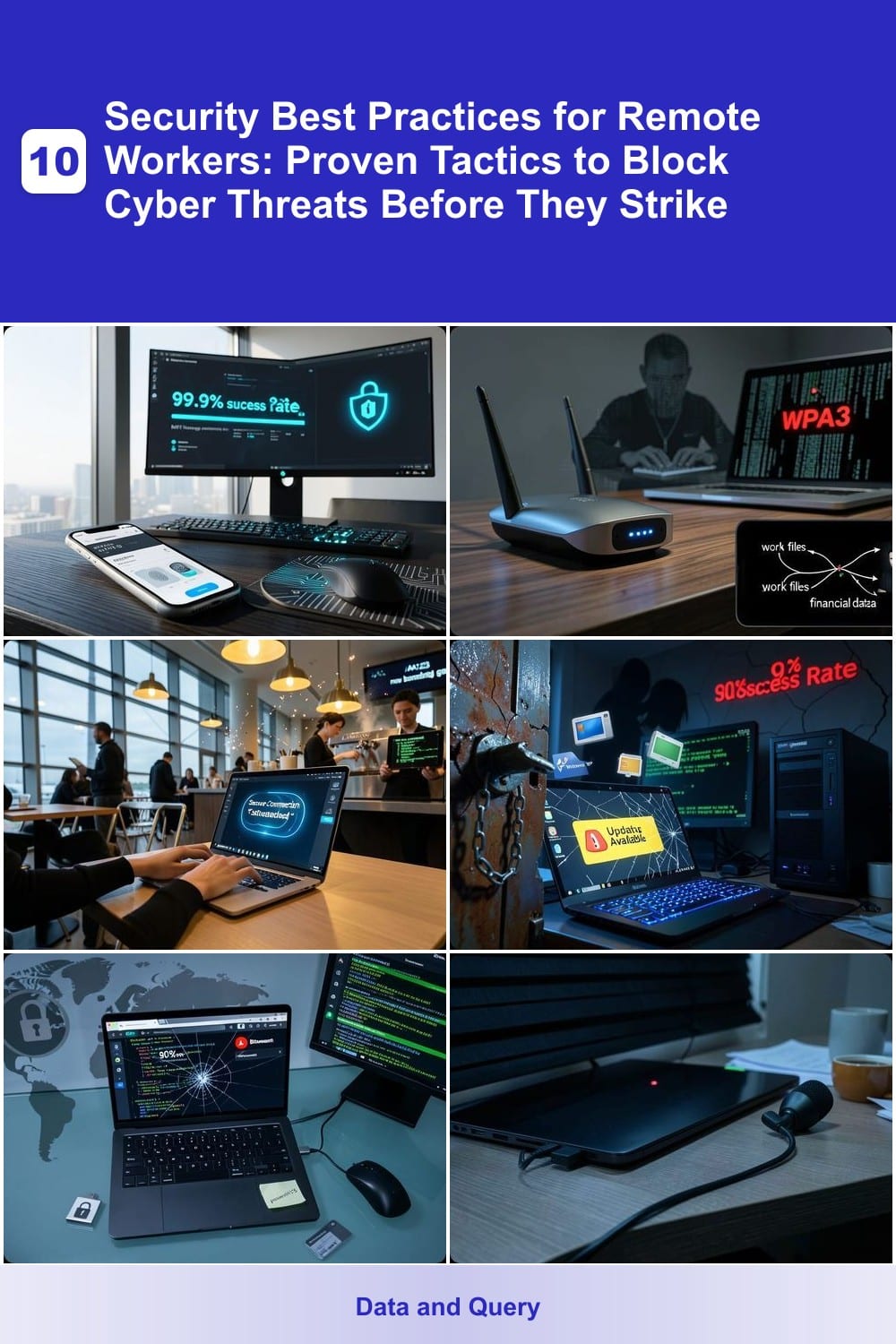
10 Security Best Practices for Remote Workers: Proven Tactics to Block Cyber Threats Before They Strike

October 13, 2026 by Sonia Nakamura
10 Security Best Practices for Remote Workers: Proven Tactics to Block Cyber Threats Before They Strike

Remote work offers flexibility but exposes you to cyber threats like phishing, malware, and data breaches. These 10 security best practices—backed by IT experts—will fortify your digital workspace and help you work…

Read more

Categories Tip & Trick

Where Can I Download Microsoft Word: Official Sources vs. Risks

October 11, 2026 by Sonia Nakamura
Where Can I Download Microsoft Word: Official Sources vs. Risks

💥 Quick Answer To download Microsoft Word, visit the official Microsoft website or use the Microsoft 365 app for free trials and subscriptions, ensuring you avoid pirated or unsafe third-party sources that risk malware…

Read more

Categories Tip & Trick

How to Change Notes Password on Mac: Secure Reset in 3 Simple Steps

November 19, 2026 by Sonia Nakamura
How to Change Notes Password on Mac: Secure Reset in 3 Simple Steps

Changing your Notes password on Mac is simpler than you think—especially when you know the right path. ⚡ I’ve reset mine after security alerts, forgotten passwords, and even when Apple forced a change, and the process…

Read more

Categories Tip & Trick

How to Compress Video for Email on Android: Quick Size Reduction Without Quality Loss

November 19, 2026 by Sonia Nakamura
How to Compress Video for Email on Android: Quick Size Reduction Without Quality Loss

To compress a video for email on Android, I’ve trimmed files from 200MB down to 3MB without losing the quality my clients actually see. The key is using built-in tools like Google Photos or third-party apps—no root…

Read more

Categories Tip & Trick

How to Add a Logo to a Video: Seamless Branding With Transparent Backgrounds

November 19, 2026 by Sonia Nakamura
How to Add a Logo to a Video: Seamless Branding With Transparent Backgrounds

Adding a logo to a video used to mean clunky watermarks that ruined your footage. ✨ My go-to method now—using transparent PNGs in CapCut—lets me brand videos without ever touching the original quality. The trick is…

Read more

Categories Tip & Trick

Delete a Project in Premiere Pro: Permanent Removal in 3 Clicks

November 19, 2026 by Sonia Nakamura
Delete a Project in Premiere Pro: Permanent Removal in 3 Clicks

Deleting a project in Premiere Pro doesn’t have to be a guessing game. ✨ I’ve spent enough time recovering accidentally deleted files to know the right way—permanent removal in just three clicks, no second-guessing. The…

Read more

Categories Tip & Trick

How to Enter Bios on Surface Pro: Quick Boot Menu Access Without Reboot

November 19, 2026 by Sonia Nakamura
How to Enter Bios on Surface Pro: Quick Boot Menu Access Without Reboot

To enter BIOS on your Surface Pro without rebooting, press and hold the Volume Up button while tapping the Power button—this combo works across Surface Pro 3 through Pro 9 models. I learned this the hard way when my…

Read more

Categories Tip & Trick

How to Install Microsoft 365 on Another Computer: Seamless Setup Across Any Device

November 19, 2026 by Sonia Nakamura
How to Install Microsoft 365 on Another Computer: Seamless Setup Across Any Device

Installing Microsoft 365 on another computer used to feel like a headache—until I figured out the exact steps that make it seamless. ✨ The process is simpler than most users realize, whether you're setting up a new…

Read more

Categories Tip & Trick

Best Way to Take Notes on Computer: Organized Efficiency With Keyboard Shortcuts

November 19, 2026 by Sonia Nakamura
Best Way to Take Notes on Computer: Organized Efficiency With Keyboard Shortcuts

The best way to take notes on a computer depends on whether you need speed, structure, or searchability—each method has its own strengths. ⚡ I’ve tested them all, from minimalist apps like Google Keep to powerhouse tools…

Read more

Categories Tip & Trick
Page1…Page4Page5Page6Page7Next →

About Me

Sonia Nakamura

Sonia Nakamura
My first computer was a clunky desktop with a 56K modem, and I spent hours dialing into bulletin boards just to download text-based games. That machine taught me patience—waiting for a webpage to load, troubleshooting crashes, and figuring out how to make old hardware do new things. Now, I run this site to share the same kind of hands-on tech wisdom I wish I’d had back then: clear, practical guides for everyday problems and the curiosity to keep learning.

Learn more

Recent Posts

  • Windows 8 Email Setup: Step-by-Step Visual Guide for Beginners
    Windows 8 Email Setup: Step-by-Step Visual Guide for Beginners
  • Windows Phone Music Download: Legacy Edition Workarounds for Modern Files
    Windows Phone Music Download: Legacy Edition Workarounds for Modern Files
  • Windows Server 2008 R2 SP1 Download: Direct ISO Link for Offline Installation
    Windows Server 2008 R2 SP1 Download: Direct ISO Link for Offline Installation
  • Windows Font Installation: Step-by-Step Guide for Instant Success
    Windows Font Installation: Step-by-Step Guide for Instant Success
  • Setting Up a Conference Call: Foolproof Guide for Crystal-Clear Connections
    Setting Up a Conference Call: Foolproof Guide for Crystal-Clear Connections
  • All Guides
  • About
  • Contact
  • Privacy Policy
  • Cookie Policy
  • Terms of Use
© 2026 dataandquery.click