Skip to content
Data and Query

Data and Query

  • All Articles
  • App
  • Coding
  • Hardware
  • More
    • Operating System
    • Outlook
    • PowerPoint
    • Review
    • Software
    • Tip & Trick
    • Troubleshooting
    • Windows

All Recipes — Page 19

How to Get Rid of the Activate Windows: Permanent Deactivation Tricks Without Losing Features

October 13, 2026 by Sonia Nakamura
How to Get Rid of the Activate Windows: Permanent Deactivation Tricks Without Losing Features

That "Activate Windows" nag screen has haunted more users than I can count—including me after a botched upgrade last year. ✨ The good news? You can silence it permanently without losing core features, even if your key is…

Read more

Categories Windows

How to Install Calculator in Windows 10: Built-In Windows 10 Tool in Seconds

October 13, 2026 by Sonia Nakamura
How to Install Calculator in Windows 10: Built-In Windows 10 Tool in Seconds

Learn how to install the Calculator in Windows 10 —it’s already there, just waiting to be rediscovered after a cleanup gone wrong. ⚡ The real trick is knowing where to look when it’s missing, which happens more often…

Read more

Categories Windows

How to Install Onenote for Windows 10: Step-by-Step Setup in 5 Minutes

October 13, 2026 by Sonia Nakamura
How to Install Onenote for Windows 10: Step-by-Step Setup in 5 Minutes

Installing OneNote for Windows 10 is my go-to solution when someone needs a digital notebook that just works. ✨ I’ve helped dozens of friends and neighbors set it up—some who swore they’d never use a computer…

Read more

Categories Windows

How to Re Install Window Xp: Clean Slate Without Data Loss

October 13, 2026 by Sonia Nakamura
How to Re Install Window Xp: Clean Slate Without Data Loss

Learn how to re-install Windows XP the right way—without losing your mind (or your data)—because even nostalgia needs a smooth process. ✨ I’ve wiped and reinstalled XP on more machines than I can count, including Dad’s…

Read more

Categories Windows

How to Set Up a Teams Meeting in Outlook: Instant Collaboration in Minutes

October 13, 2026 by Sonia Nakamura
How to Set Up a Teams Meeting in Outlook: Instant Collaboration in Minutes

Setting up a Teams meeting in Outlook used to feel like navigating a maze—until I found the three-click workflow that works every time. Back in my uncle's basement workshop in 1998, I spent hours just figuring out how to…

Read more

Categories Outlook

How to Set up Delegates in Outlook 2010: Step-by-Step Setup for Full Access Control

October 13, 2026 by Sonia Nakamura
How to Set up Delegates in Outlook 2010: Step-by-Step Setup for Full Access Control

Setting up delegates in Outlook 2010 lets you share your inbox without sharing your password—something I learned the hard way when my team's shared calendar system collapsed during a client presentation. The process is…

Read more

Categories Outlook

How To Set Up Teams Meetings: Seamless Video Calls in 3 Clicks

October 13, 2026 by Sonia Nakamura
How To Set Up Teams Meetings: Seamless Video Calls in 3 Clicks

Setting up a Teams meeting used to take me longer than the actual call—until I learned the three-click shortcut that cuts the process down to seconds. 💡 The key is knowing where to click and what to ignore in the…

Read more

Categories Tip & Trick

Uninstall OneNote for Windows 10: Clean Removal Without Lingering Files

October 13, 2026 by Sonia Nakamura
Uninstall OneNote for Windows 10: Clean Removal Without Lingering Files

Uninstalling OneNote from Windows 10 feels like finally cleaning out that junk drawer you’ve ignored for years—except this time, the clutter is digital. ✨ I’ve helped dozens of users remove it completely, and the key is…

Read more

Categories Windows

How To Uninstall R On Mac: Complete Removal Without Leftover Files

October 13, 2026 by Sonia Nakamura
How To Uninstall R On Mac: Complete Removal Without Leftover Files

Uninstalling R on your Mac should take less than 15 minutes , but I’ve seen users spend hours chasing leftover files. ⚡ The key is knowing where R hides its traces—especially if you installed it via Homebrew, RStudio, or…

Read more

Categories Tip & Trick

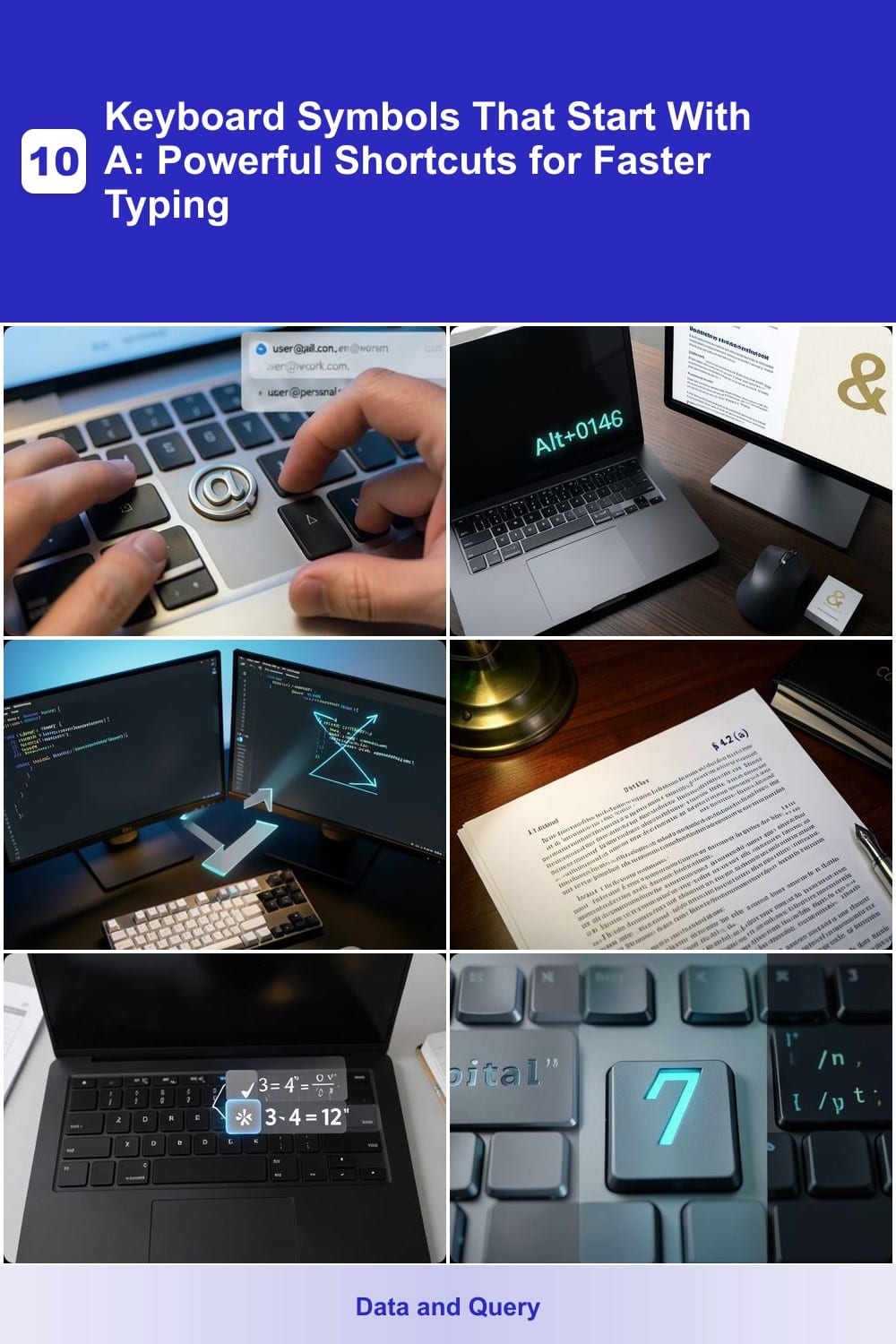
10 Keyboard Symbols That Start With A: Powerful Shortcuts for Faster Typing

October 13, 2026 by Sonia Nakamura
10 Keyboard Symbols That Start With A: Powerful Shortcuts for Faster Typing

Mastering keyboard symbols that start with 'A' can dramatically speed up your typing and streamline workflows. These 10 underused symbols and shortcuts are hidden gems for power users across Windows, Mac, and Linux…

Read more

Categories Tip & Trick
Page1…Page17Page18Page19Page20Page21…Page40Next →

About Me

Sonia Nakamura

Sonia Nakamura
My first computer was a clunky desktop with a 56K modem, and I spent hours dialing into bulletin boards just to download text-based games. That machine taught me patience—waiting for a webpage to load, troubleshooting crashes, and figuring out how to make old hardware do new things. Now, I run this site to share the same kind of hands-on tech wisdom I wish I’d had back then: clear, practical guides for everyday problems and the curiosity to keep learning.

Learn more

Recent Posts

  • Windows 8 Email Setup: Step-by-Step Visual Guide for Beginners
    Windows 8 Email Setup: Step-by-Step Visual Guide for Beginners
  • Windows Phone Music Download: Legacy Edition Workarounds for Modern Files
    Windows Phone Music Download: Legacy Edition Workarounds for Modern Files
  • Windows Server 2008 R2 SP1 Download: Direct ISO Link for Offline Installation
    Windows Server 2008 R2 SP1 Download: Direct ISO Link for Offline Installation
  • Windows Font Installation: Step-by-Step Guide for Instant Success
    Windows Font Installation: Step-by-Step Guide for Instant Success
  • Setting Up a Conference Call: Foolproof Guide for Crystal-Clear Connections
    Setting Up a Conference Call: Foolproof Guide for Crystal-Clear Connections
  • All Guides
  • About
  • Contact
  • Privacy Policy
  • Cookie Policy
  • Terms of Use
© 2026 dataandquery.click